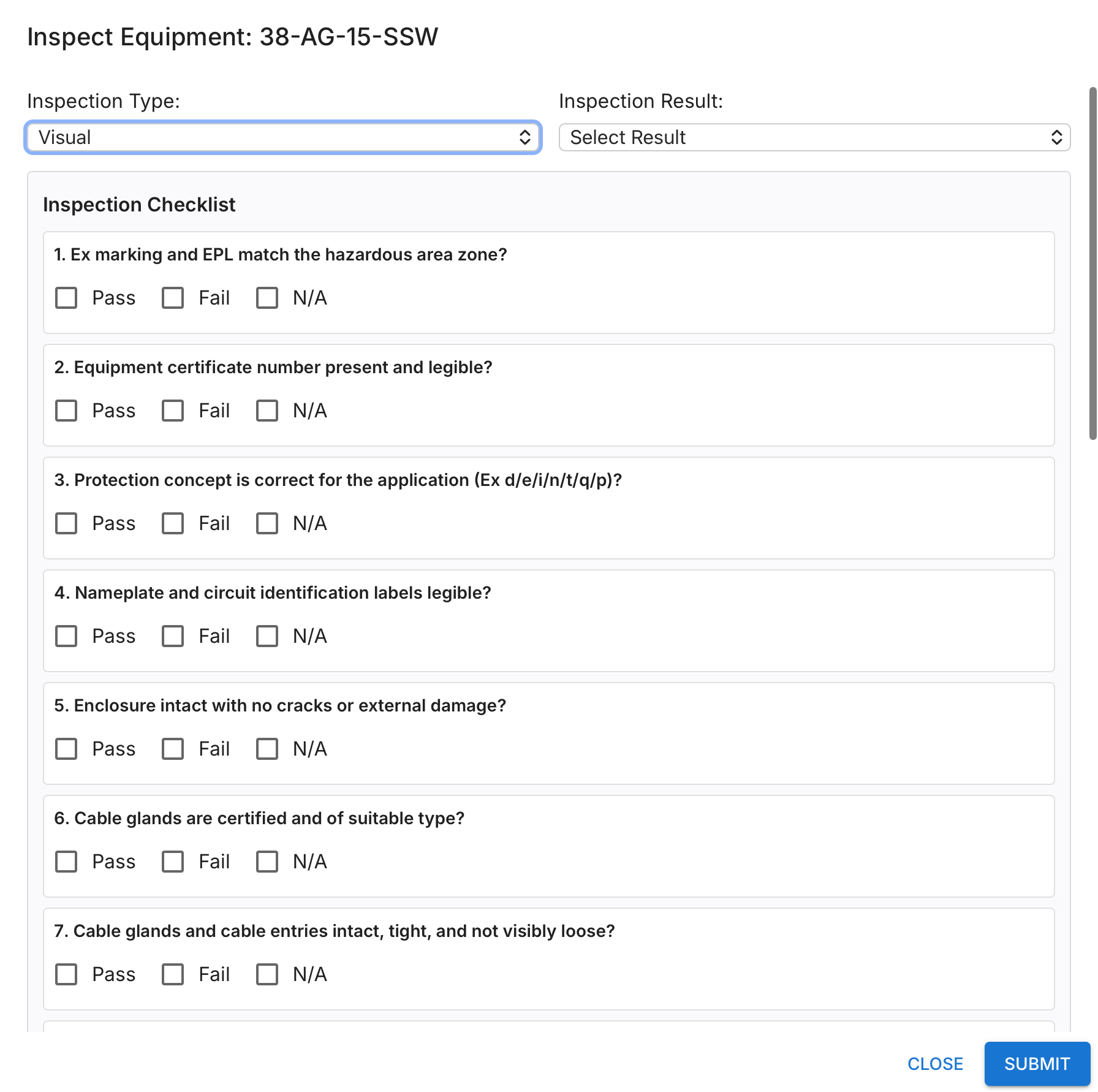
Configurable Inspection Checklists
Create and manage your own inspection questions per customer or site. Access complete checklist results at any time, with full accountability and traceability of inspection history.
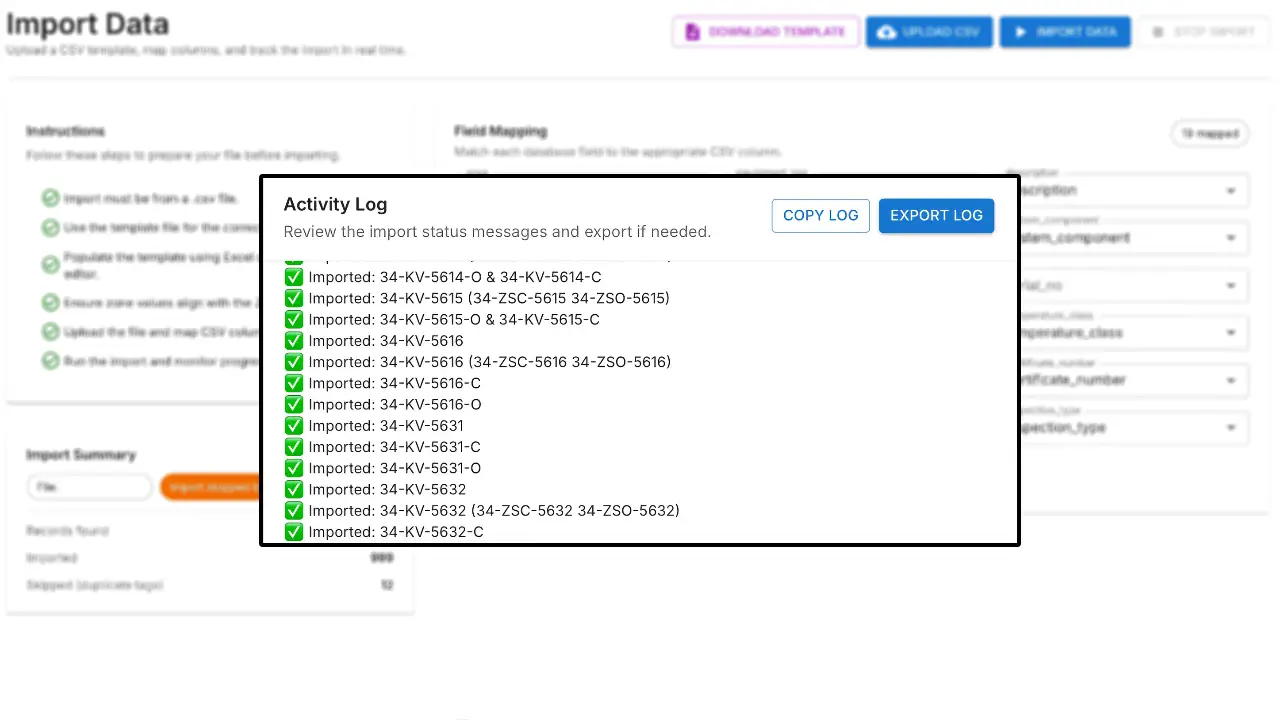
Import your existing register
You already have a register? No problem—import it into EXREG. If you select the Business or Professional plan, we can support the migration for you.
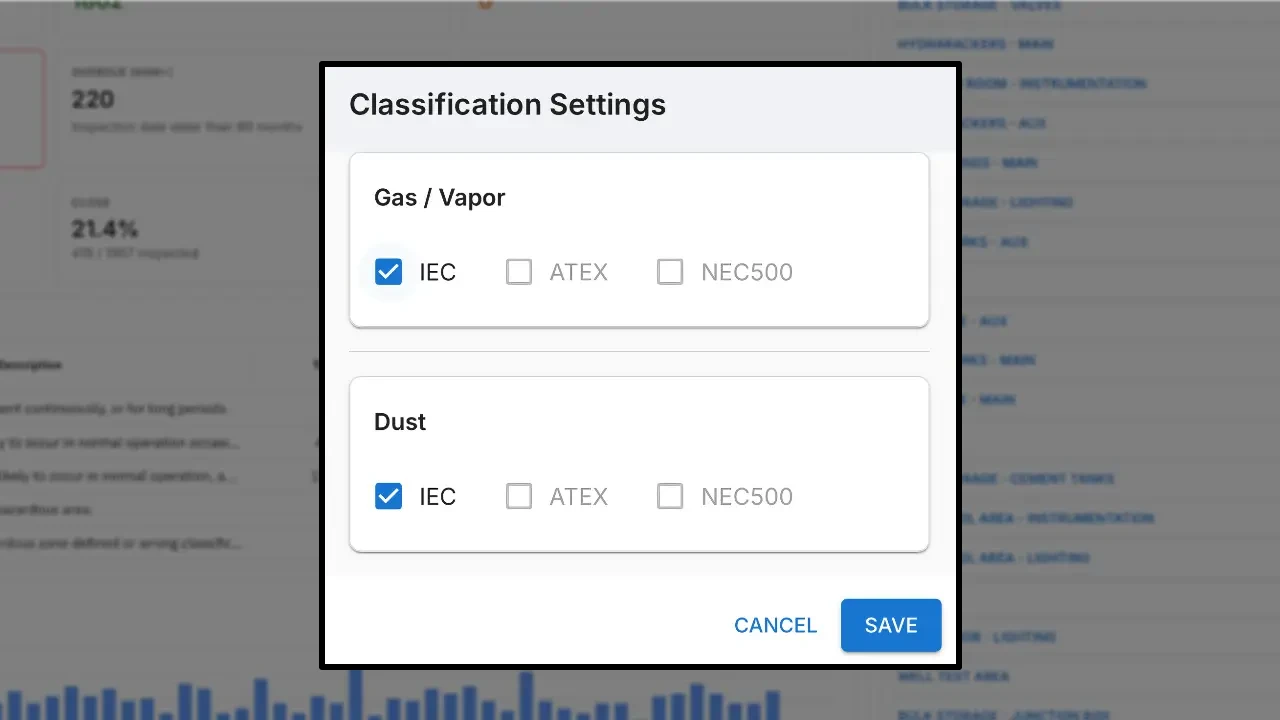
ATEX / IECEx
Choose the classification to your own needs. Based on your selection the zone field menu will be changed in your register.
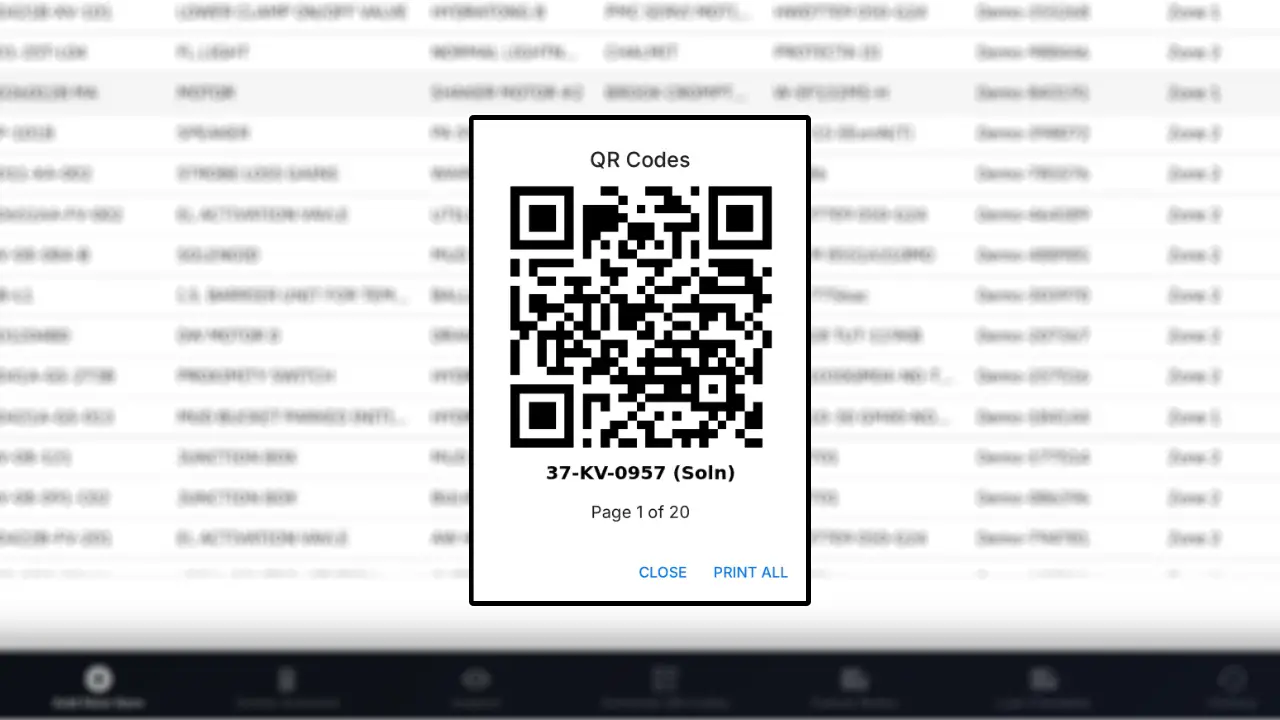
Generate and Print QR Codes
Bulk print QR codes for as many items as you want, each QR code will be generated with equipment tag below for identification.
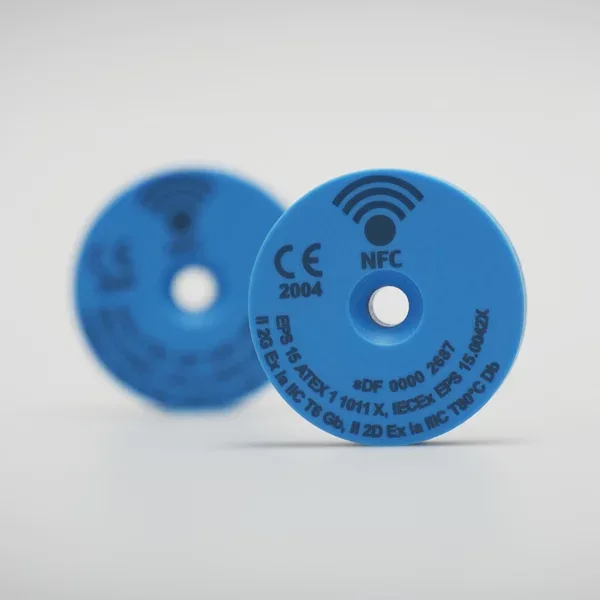
Program NFC Tags
With EXREG you can program ATEX/IECEx certified NFC tag with ease. This enables you to instantly identify and inspect equipment in future just by scanning the tag. We source and provide you with compatible tags.
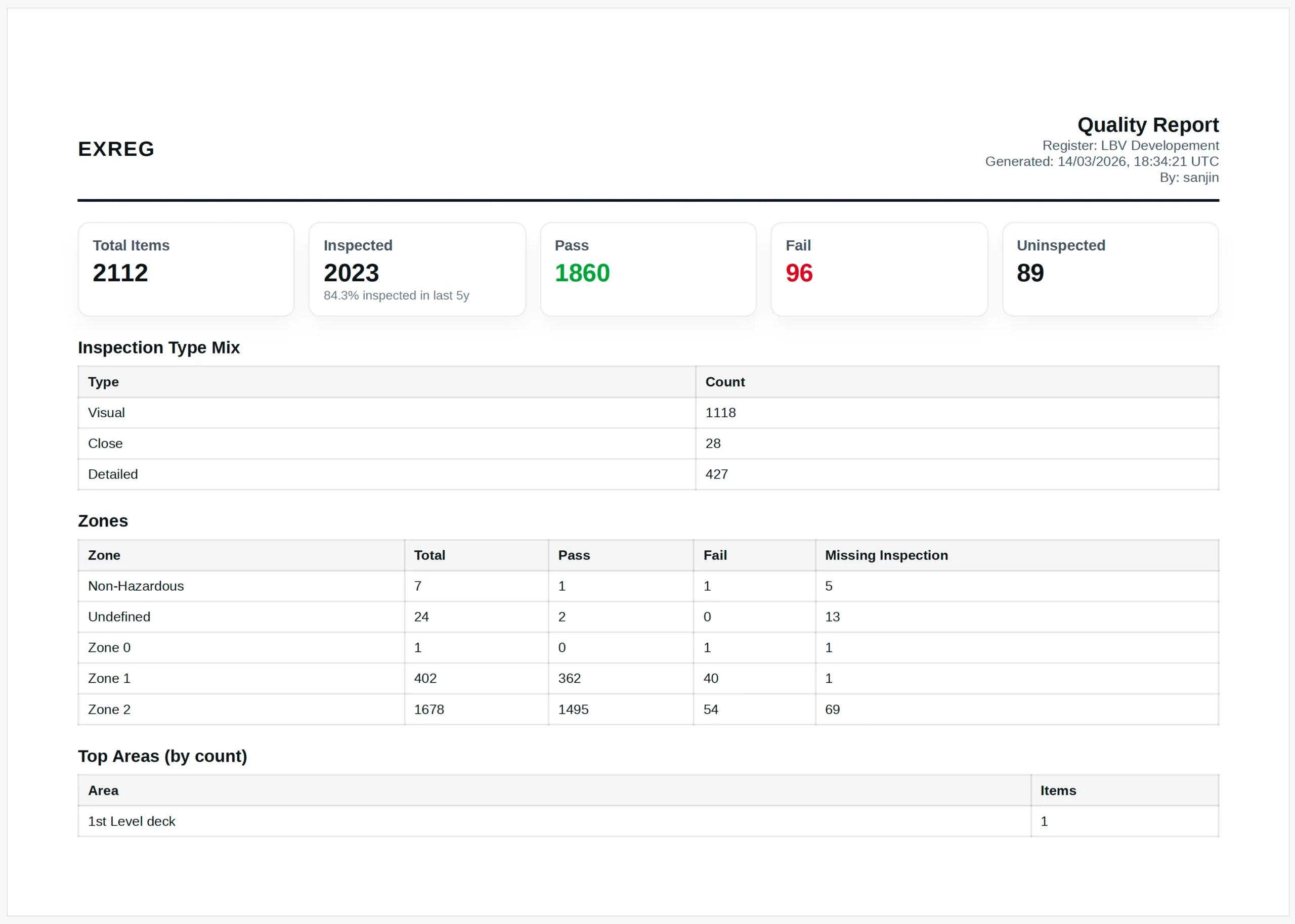
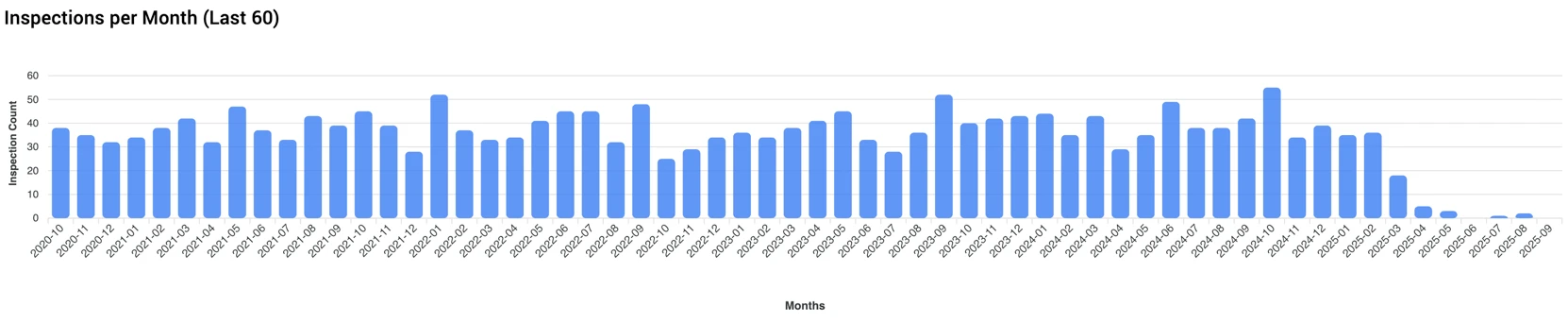
Professional PDF Inspection Reports
Generate structured, professional inspection reports directly from EXREG. Export inspection results, equipment details, and findings into clear PDF documents that can be shared with your clients.
Mobile Workflow in the Field
The EXREG Android app enables technicians to synchronize registers, locate equipment, perform inspections, and review findings directly from the field.
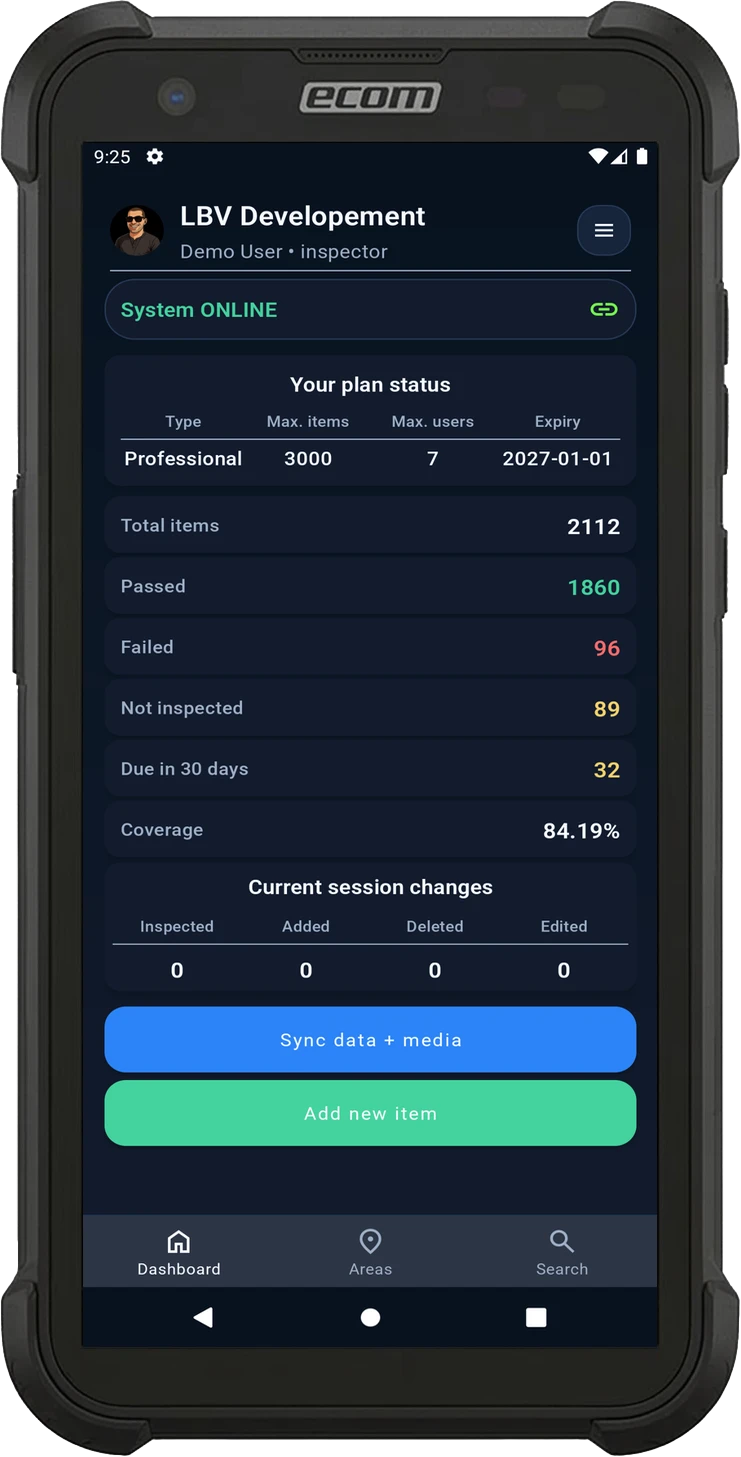
Sync Data
Synchronize equipment registers and inspection media before starting work to ensure all records are up to date.
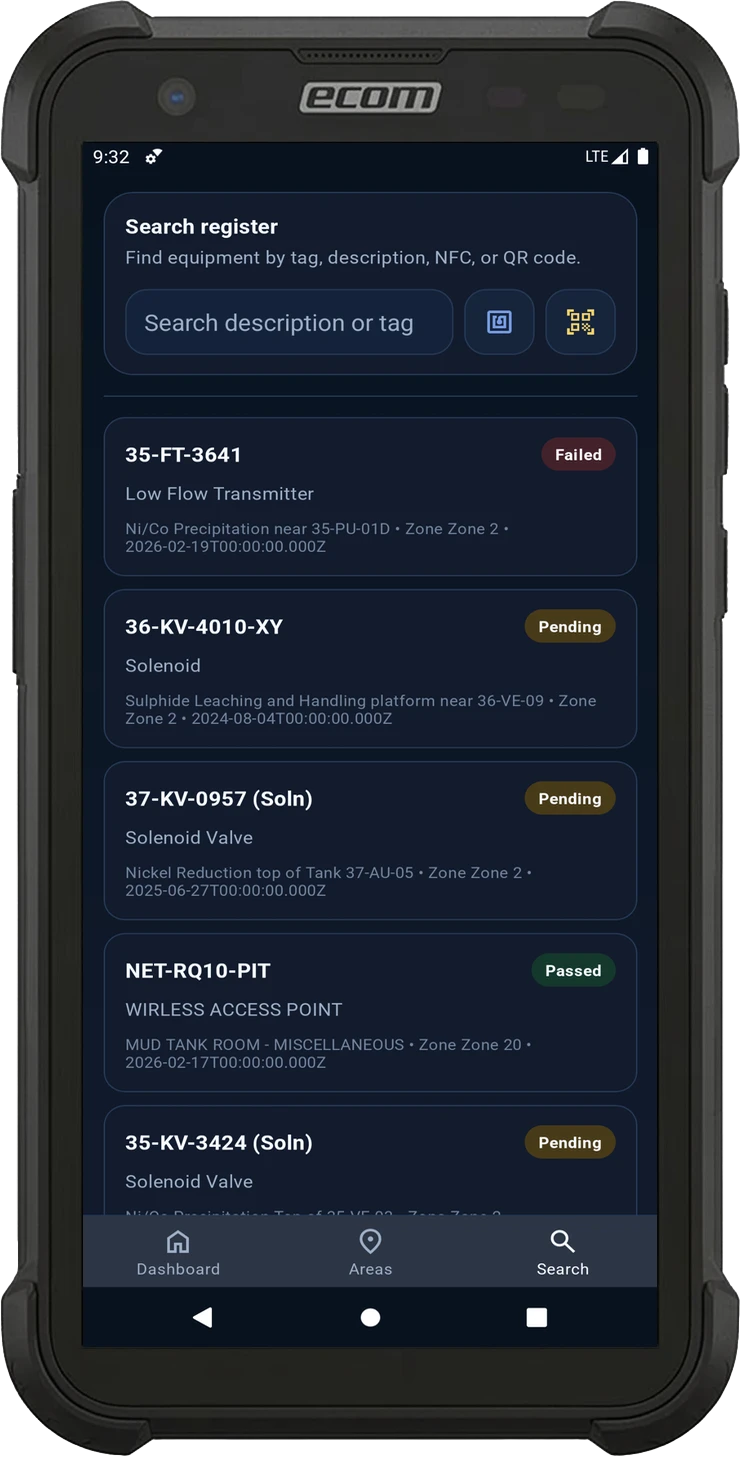
Search
Locate equipment by tag, description, NFC or QR code and instantly access register records.
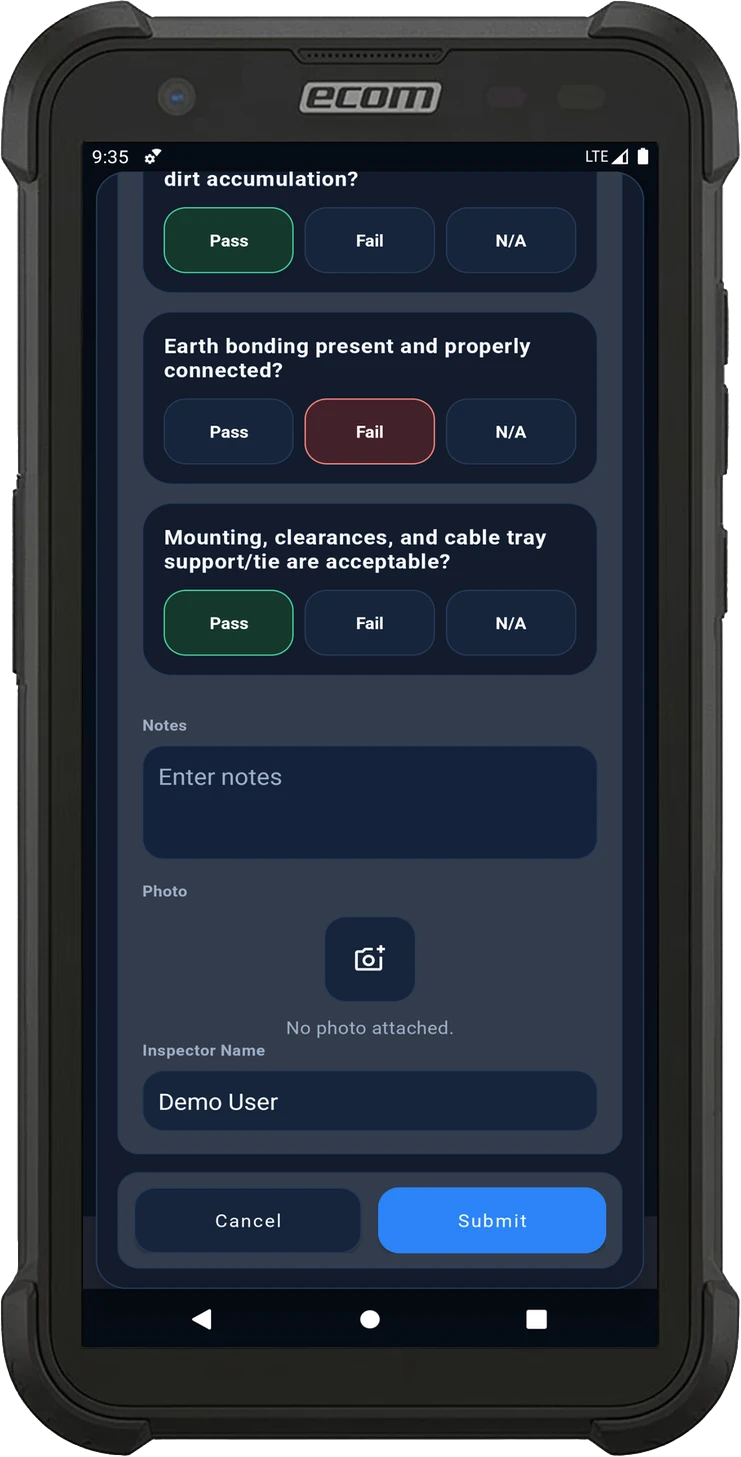
Inspect
Complete inspection checklists, record notes, and capture photographic evidence directly on site.
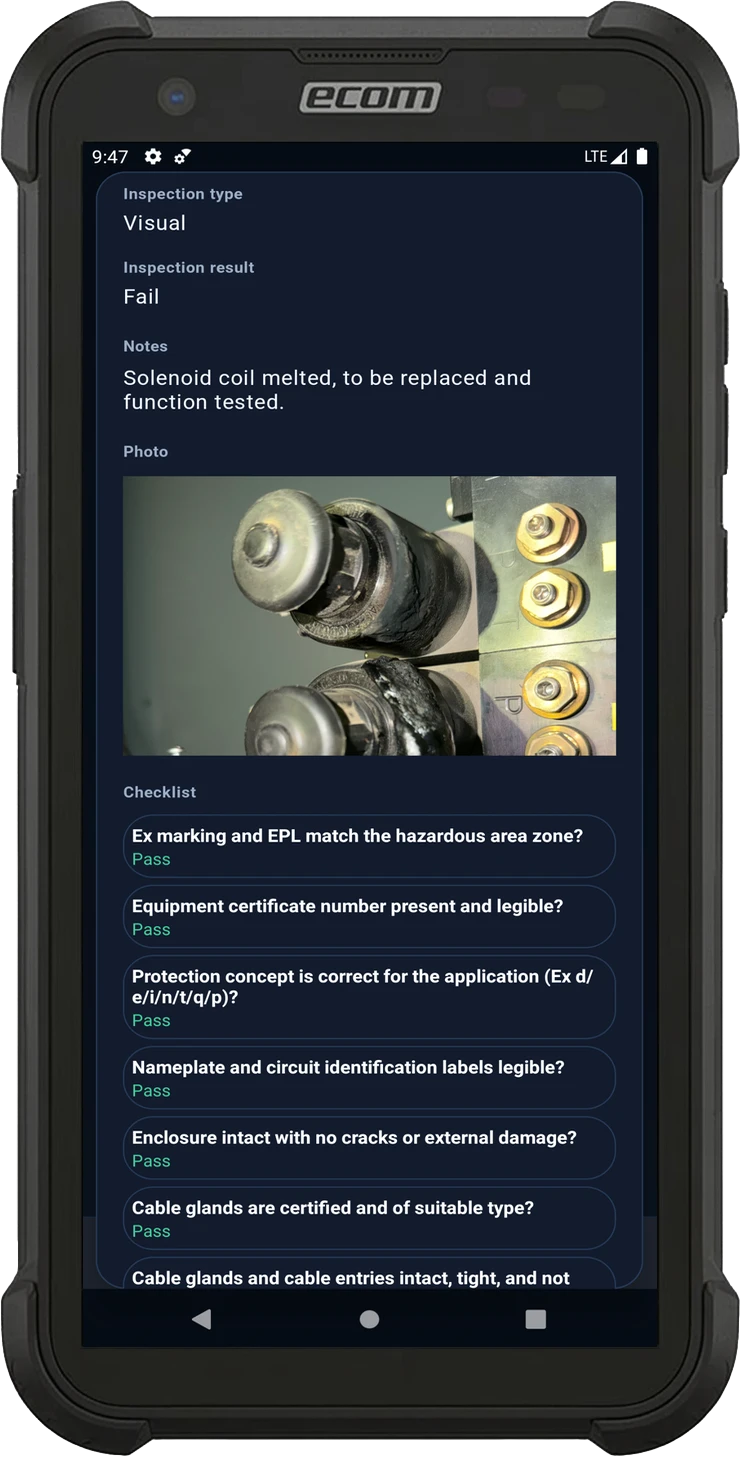
View Notes
Review inspection results, evidence, and checklist responses in a clear mobile record.

Scan QR Codes

Scan And Write NFC

Work Offline

Easily Copy Item

Filter By Area

Track Your Session
Scan QR Codes
Scan And Write NFC
Work Offline
Easily Copy Item
Filter By Area
Track Your Session